

Keep the ball rolling while you are on the move with Next Go.
All your documents and tasks in the palm of your hand.

Trusted by enterprises for 40+ years












Swipe right — to approve
It takes less than a second to approve an invoice, as long as you recognize it from the data presented to you. Put your thumb to the screen and swipe right. Immediately, the invoice is approved and ready for the next step in your process.
Swipe left — to reject
It only takes slightly longer to reject the reimbursement of an expense. Swipe left and tell in clear text why you cannot approve. Maybe company policies do not allow reimbursement of parking tickets.
Tap — to dive in
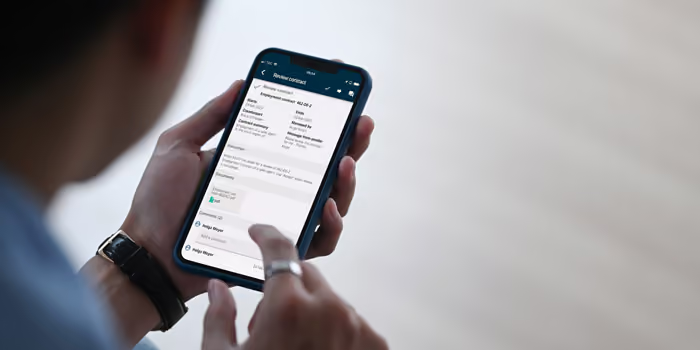
If you want to view the actual document, simply tap to dive into all the details. View documents, see meta data, and read other’s comments. Consult a colleague, delegate a task, or share a document with a few taps on your phone.
All the features you'll need
While keeping the app easy to use, we've added all the features you need to complete your tasks when you are on the move. As easy as email, but in complete control.
View documents
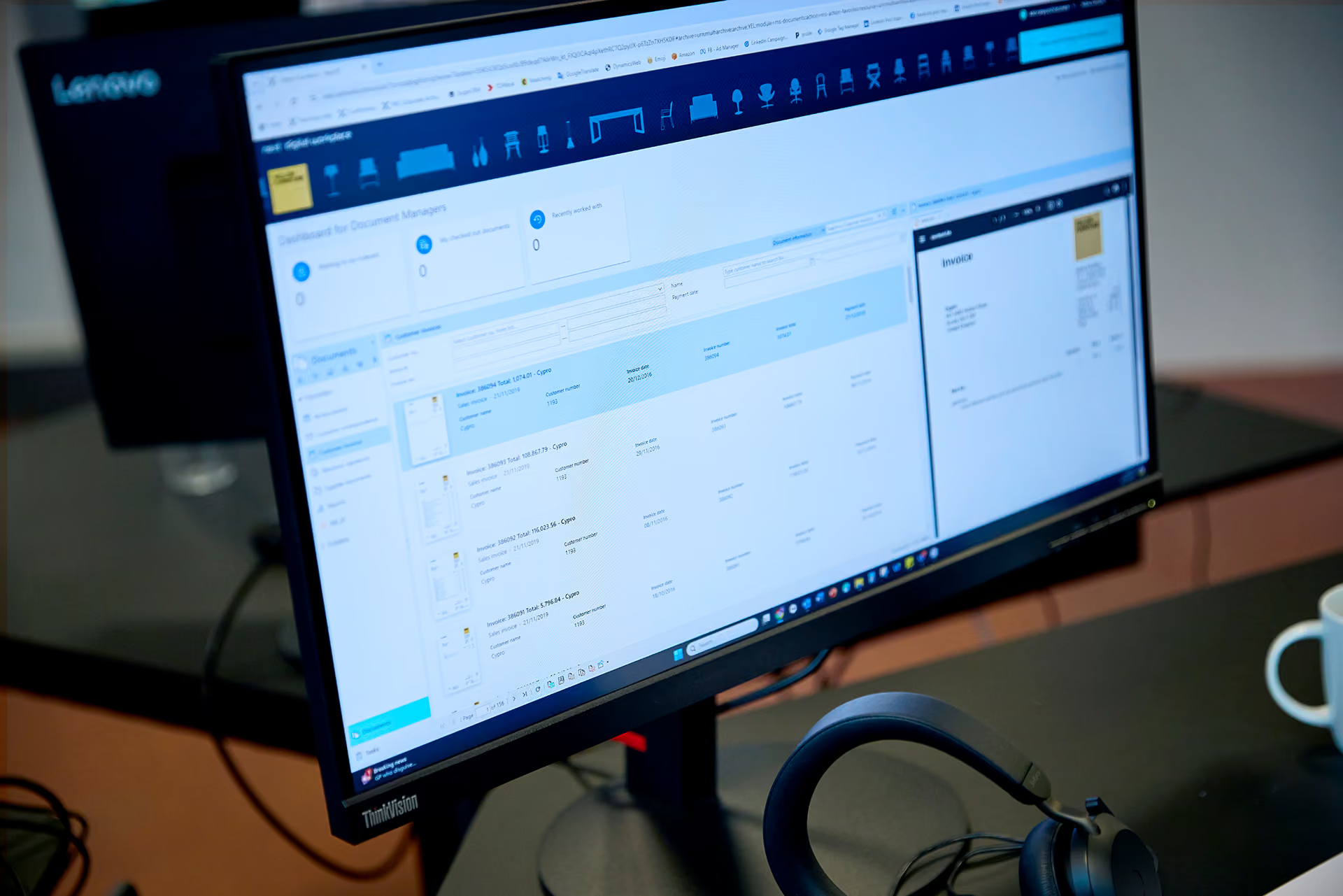
Next Go lists all your documents. A single tap brings up any of them for you to read.
Search
Full text search lets you locate any document in a matter of seconds.
Pin document
Swipe to pin (or unpin) documents for later use. Pins are even shared with your desktop Next.
Share
Need to share a document with a colleague or a customer? Click to open Emails, Messages, or Teams.
Ask a colleague
Need help to complete your task? Tap ‘Ask a colleague’, choose the colleague from the list, type in your question, and send.
Put on hold
Not ready to approve until next week? Maybe you are waiting for a credit note. Tap ‘Put on hold’, choose a new date, and the task is gone for now.
Add a comment
Wonder why the person before you rejected this approval? Look up their comments and add your own. Everything becomes part of the audit log.
Edit details
Easy-to-use forms support with validation, lookups, and autocomplete, using data from your business systems. No risk of invalid data.

Next Go is free
If you already have Next eCMS, Next Invoices, Next Contracts, or Next Expenses, you can download the Next Go app from Apple App Store or Google Play and use it for free. Free as in zero euros!
Next Go puts almost any workflow in the palm of your hand. For more advanced use, you need an additional license, but all the basic stuff for contracts, expenses, and invoices is completely free.
Use Next Go for free with your Next products

Next eCMS
One source of truth for every client document.

Capture documents and mail from any source
Keep client data out of inboxes
Govern retention and access automatically
Open documents inside your core systems

Next Invoices
Get every supplier invoice under control.
Capture any format from any source
Code every invoice by your rules
Approve from anywhere, anytime
Post and release payments automatically

Next Expenses
Every expense, governed like an invoice.
Capture receipts from anywhere on mobile
Approve against your Delegation of Authority
Reimburse faster with automatic coding
Log every action for documented compliance

Next Contracts
Automate your contracts, from draft to renewal.
Draft contracts from your own templates
Speed up approvals with automated workflows
Sign with eIDAS-compliant e-signatures
Track every renewal and deadline automatically
Is Next a fit for your organization? Find out in one call.
Talk to a Next specialist about your setup, your document workload, and what Next can (or can't) do for you.